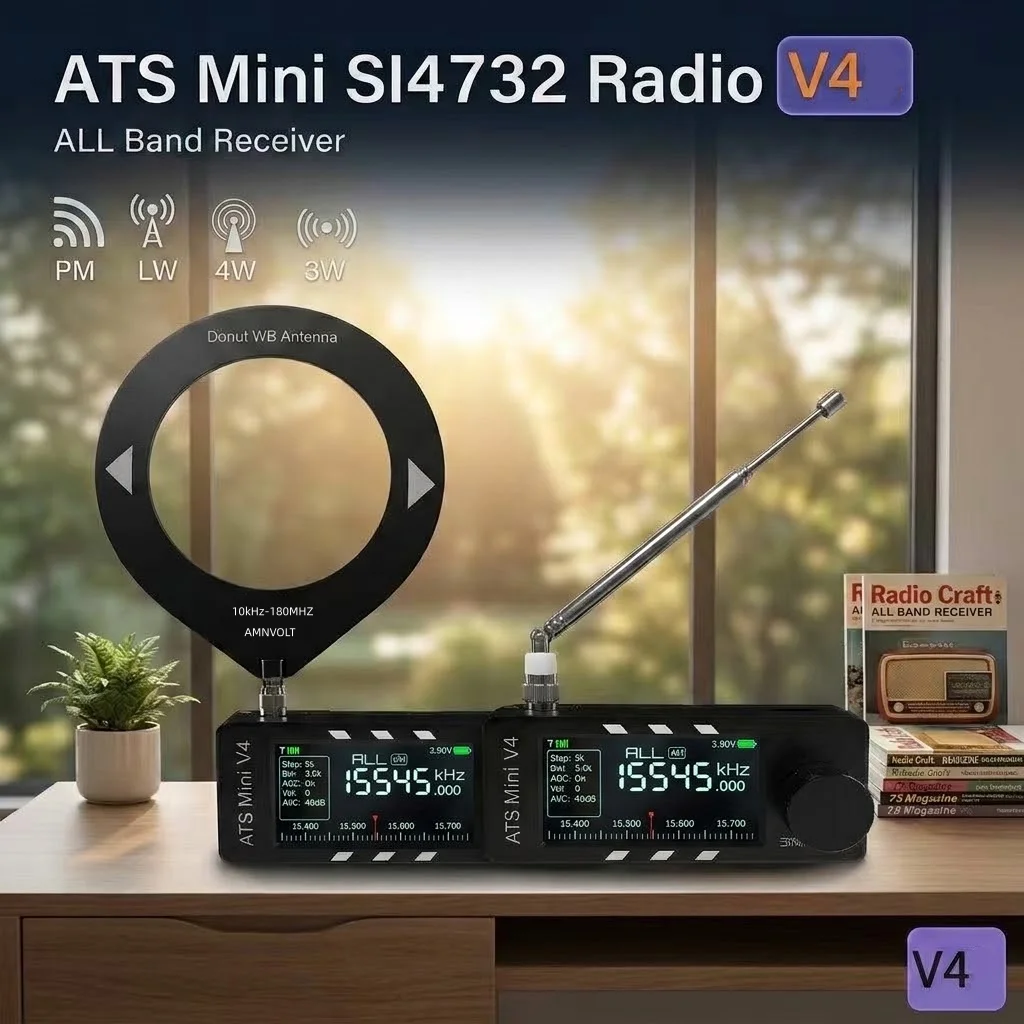
How the ATS Mini hardware revisions differ — V3, V3S, V4 and V4b — which one to buy, and what to check so you get a genuine, flashable unit.
Alcuni link in questa pagina sono link affiliati AliExpress. Se acquisti tramite questi link potremmo ricevere una piccola commissione, senza alcun costo aggiuntivo per te. Il prezzo che paghi non cambia mai, ed elenchiamo solo attrezzatura che useremmo davvero con un ATS Mini.
The ATS Mini is barely a product. It is a firmware project, esp32-si4732/ats-mini on GitHub, that happens to ship inside a small, nicely made case sold under the AMNVOLT name. The hardware is a Silicon Labs SI4732 DSP receiver paired with an ESP32-S3, covering FM, MW, LW and shortwave plus SSB. That the firmware is open and flashable is the whole reason this site can drive the radio over USB or Bluetooth at all.
The version history, minus the marketing
The line runs V1, V2, V3, V3S, then V4 (with internal V4a and V4b boards). V1 is discontinued; what sells now is the V4 and the older V3S. Each step changed something real: V3 added a high-impedance JFET input stage, V3S fixed a battery bug in it, and V4 brought a sturdier case plus a small wiring change that lets the radio decode CW and RTTY on its own. For the differences at a glance, see the version comparison table.
What did not change is worth knowing too. The 1.9-inch colour screen is identical on every revision, and so is the core SI4732 reception. Most of the version numbers are about the headphone amp, the case and decoding, not about hearing more stations. If a listing sells a newer board on its "better display," that is marketing; the panel is the same one.
If you buy a "v3," get a V3S specifically. Early plain V3 boards wired the JFET input stage to the unregulated battery, so it drew a few milliamps even with the radio switched off. V3S moved it to the regulated rail and stopped the drain.
What V4 and "V4b" actually add
V4 is the current top revision and the sensible choice when you are starting fresh. Its gains over a V3S are mechanical and audio: a tougher case and the headphone amplifier. The V4a and V4b boards add one more thing. The SI4732 audio output is wired to the ESP32 at the factory, so the radio decodes CW and RTTY without you soldering a jumper. That decoding is a firmware feature you can run on older boards too after a one-wire mod; V4b just saves you the iron. None of it changes how well the radio hears.
ATS Mini Amnvolt V4B
The current ATS Mini revision and the one to buy fresh. The real gains over earlier boards are the case, the headphone amp and (on V4a/V4b) a factory audio link for on-device CW/RTTY decoding — not the display or raw reception, which are the same across versions. Confirm the listing ships a genuine AMNVOLT board.
An earlier revision on the same SI4732/ESP32-S3 platform, fully supported here and a cheaper option. Prefer a V3S, the corrected board — early plain V3 units drained current even when switched off.
On the plastic units, the AMNVOLT name printed on the case is the maker’s own genuineness marker. Counterfeiters reportedly drop V1-class boards into unbranded metal cases, so do not go hunting for a "metal V4": the one official metal version ships deliberately unbranded, and an unmarked metal shell is a flag to check rather than a feature to want.
There is no V5. The team considers V4 finished, and any listing selling a "V5" should be treated as fake.
You want a data-capable USB-C cable, not a charge-only one, and firmware you can flash to 2.34 or newer.
The antenna jack is SMA female, so any antenna or adapter that screws on needs an SMA male end. Read the adapters guide before you buy one.
That firmware version is the concrete reason to care at purchase time. Bluetooth control, the fast direct-tune F command and the USB remote this site is built on all arrived in firmware 2.34, and the USB remote is off by default until you switch it on (Settings, USB Port, Ad hoc). Because the firmware is open and flashable, an older V3S is not stranded on old features; it runs the same 2.34 controls as a V4, minus hardware-only tricks like the factory decode tap. For the longer story, see firmware versions and connecting over USB or Bluetooth.