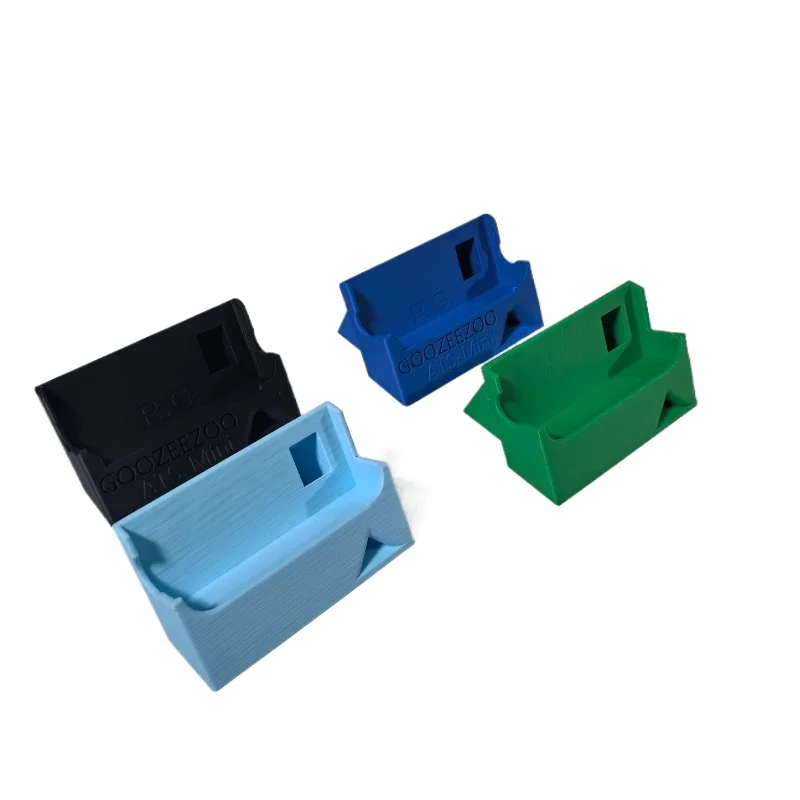
3D-printed ATS Mini stand
3D-printed desktop stand that props the ATS Mini at a comfortable viewing angle. Check it is cut for your case revision (V3 and V4 differ slightly).
$5.87 invece di $5.86
Vedi su AliExpressAlcuni link in questa pagina sono link affiliati AliExpress. Se acquisti tramite questi link potremmo ricevere una piccola commissione, senza alcun costo aggiuntivo per te. Il prezzo che paghi non cambia mai, ed elenchiamo solo attrezzatura che useremmo davvero con un ATS Mini.
Out of the box the ATS Mini is good. A handful of cheap additions make it genuinely nicer to carry and listen with, and one of the most useful is not a gadget at all. It is the right cable. Assembling everything from scratch? The starter kit checklist lists the whole kit in one place.
A 3D-printed stand props the radio at a readable angle on a desk. Printed parts vary between sellers, and the V3 and V4 cases differ slightly in size, so check the listing is cut for your revision. A small magnetic base lets you stick a whip to a steel rail, a radiator or a car roof and aim it. It is a mechanical mount, though. On shortwave the whip is a capacitive probe, not a tuned monopole, so do not expect the metal to act as a proper ground plane. Where there is no steel to stick to, a spring clamp with a ball head does the same job on a balcony rail, a curtain pole or a branch, and it is the usual way people hang a Mini Whip or a loop outdoors.
3D-printed desktop stand that props the ATS Mini at a comfortable viewing angle. Check it is cut for your case revision (V3 and V4 differ slightly).

Compact magnetic base for sticking a whip to any steel surface — a balcony rail, a car roof, a radiator. A mechanical mount to aim a whip, not an RF ground plane.
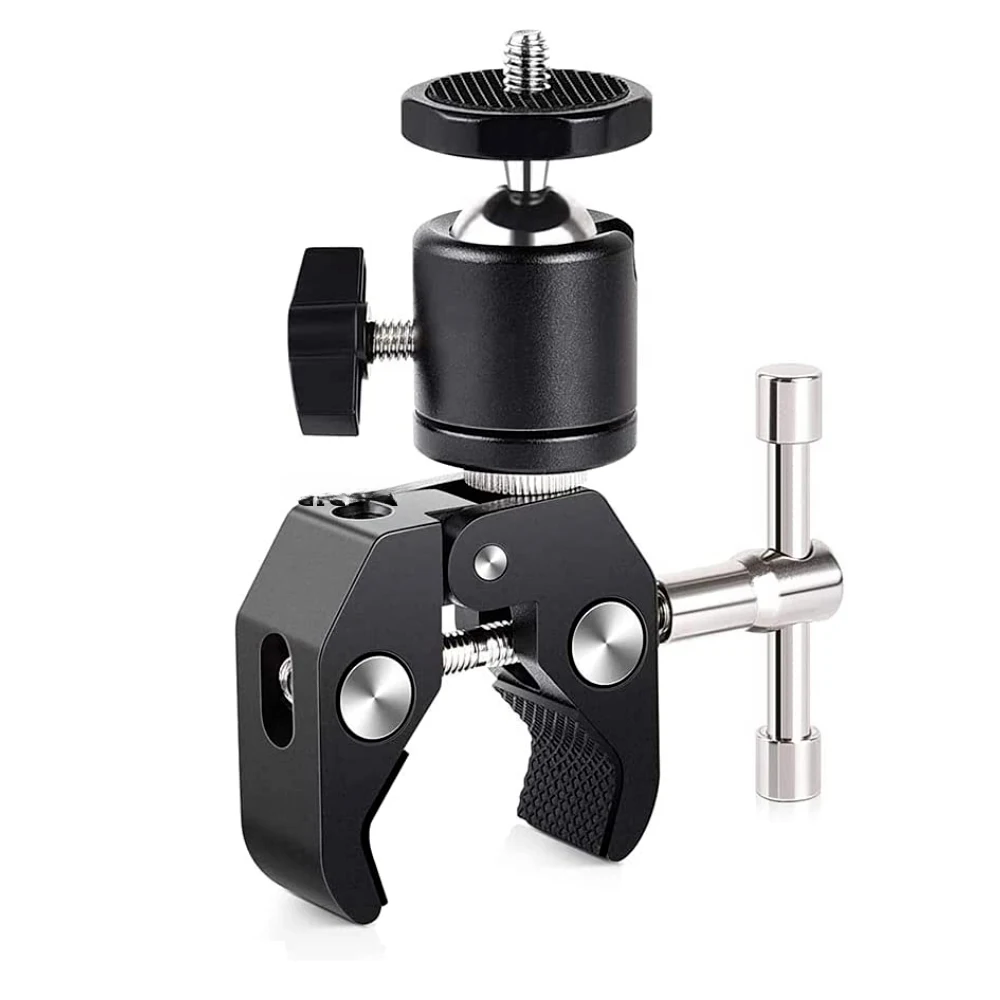
A spring clamp with a 360° ball head — the usual way to hang a Mini Whip, a loop or a whip off a balcony rail, a curtain pole or a branch. Purely mechanical: it aims the antenna and holds it still, and does nothing for the RF side.
The ATS Mini charges and flashes firmware over the same USB-C port, and plenty of cheap cables only carry power. If a firmware update or this site’s USB remote will not connect, a charge-only cable is the usual culprit before the radio is. A known-good short data cable takes the guesswork out of it. See connecting over USB or Bluetooth.

A short, data-capable USB-C cable — the unglamorous fix for the most common ATS Mini snag. The radio flashes firmware and runs the USB remote over this port, and many cheap cables only carry power. Keep a known-good data one in the bag.
The ATS Mini has a 3.5 mm jack driven by a built-in headphone amplifier, so decent earphones earn their keep. Shortwave and SSB live down in the noise, and a half-decent set lets you hear into it instead of past it. The KZ Castor is a cheap tunable dual-driver set, around sixteen dollars, with little switches that let you tame hissy shortwave; there is a pricier Pro version if you want it. If your phone has dropped its headphone jack, a USB-C DAC dongle such as the JCally JM12 lets the same earphones plug into it; the radio itself does not need one, since it has its own 3.5 mm out. The JM12 has a second use, covered in the next section: it also takes a headset microphone, which makes it a way to get the radio’s audio into a computer.
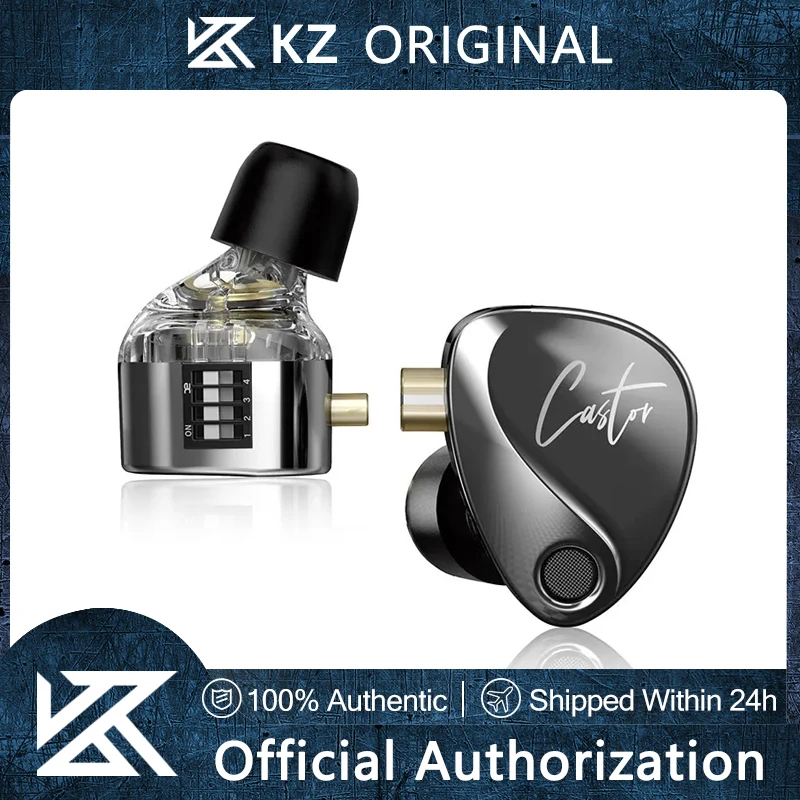
KZ Castor IEMs — a cheap tunable dual-driver set that sounds well above its price on the radio, and doubles as wired earphones for a phone.
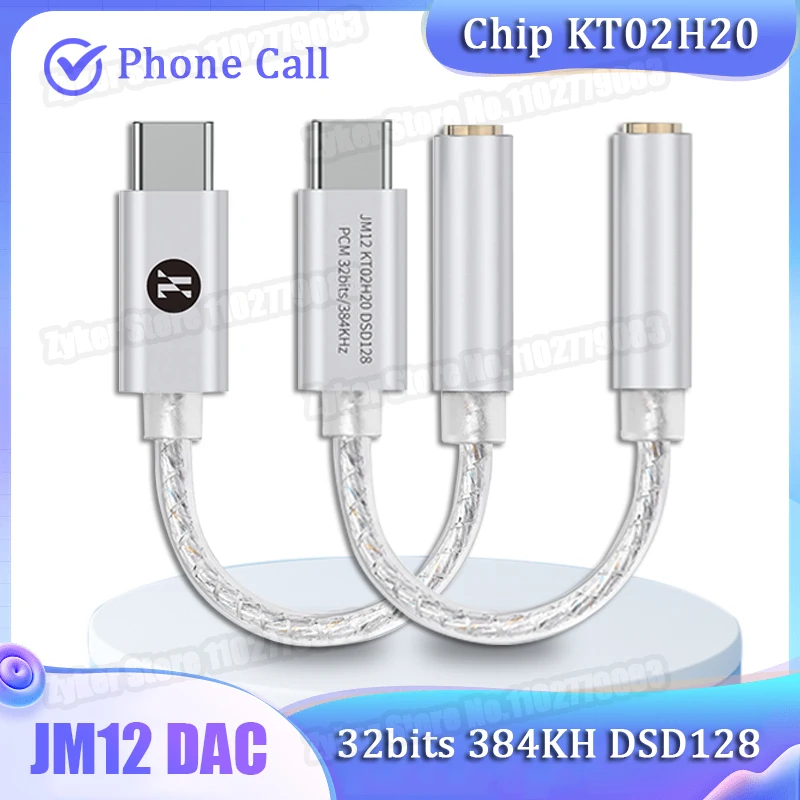
A USB-C DAC dongle that also takes a headset microphone on a 4-pole plug. On a phone without a headphone jack it drives your earphones; with the TRS-to-TRRS adapter it brings the radio’s audio into a computer as a USB input. Radio sharing on this site was tested with it.
To record what you hear, or to run the in-browser digital decoders, the computer needs the radio’s audio as an input. How you get there depends on the sockets you have. A desktop PC with a separate microphone jack (usually pink) is easy: run a 3.5 mm cable from the radio’s headphone out straight into it, and it shows up as an input you can pick. It is a microphone input, though, so keep the radio’s volume low or the level overloads and distorts.
A laptop or a Mac is the awkward case. Modern machines have one 3.5 mm combo jack, and the moment you plug a cable in it switches to output — so the radio never appears as an input at all. The honest fix is a USB audio adapter that gives the browser its own selectable input device. A little USB sound card with a 3.5 mm mic input does the job for a couple of dollars; that input is mic-level, so keep the radio quiet and the level behaves. If you care about recording or decoding, look instead for an adapter with a real line input — it takes the radio’s output at its own level with no fiddling.
A small USB audio dongle with a 3.5 mm microphone input — the fix when your computer has no line-in, or a laptop/Mac combo jack that only does output. It gives the browser a selectable USB input to capture the radio. The input is mic-level, so keep the radio’s volume low to avoid overload.
The JCally JM12 from the earphones section does the same job, because it also takes a headset microphone on a 4-pole (TRRS) plug. Plug a TRS-to-TRRS microphone adapter into the dongle and run an ordinary 3.5 mm male-to-male cable from the radio’s headphone out into the adapter’s socket. The computer then sees the JM12 as a USB input you can pick in the browser. This is the chain radio sharing on this site was tested with, at the volume sharing locks the radio to (47 of 63), and it did not distort. The signal is mono and mic-level, which is enough for listening and for sharing the radio. Get the direction right: the adapter needs a 3-pole socket on one end and a 4-pole plug on the other. The reverse kind, a 3-pole plug to a 4-pole socket, is for plugging a headset into an old jack and will not work here.
A short lead from a 3.5 mm 3-pole socket to a right-angle 4-pole plug. The plug goes into the JCally JM12, and a plain 3.5 mm male-to-male cable runs from the radio into the socket. Check the direction in the listing: a 3-pole plug to a 4-pole socket is the reverse and will not work. On its own, in a Mac’s combo jack, it does not work either.
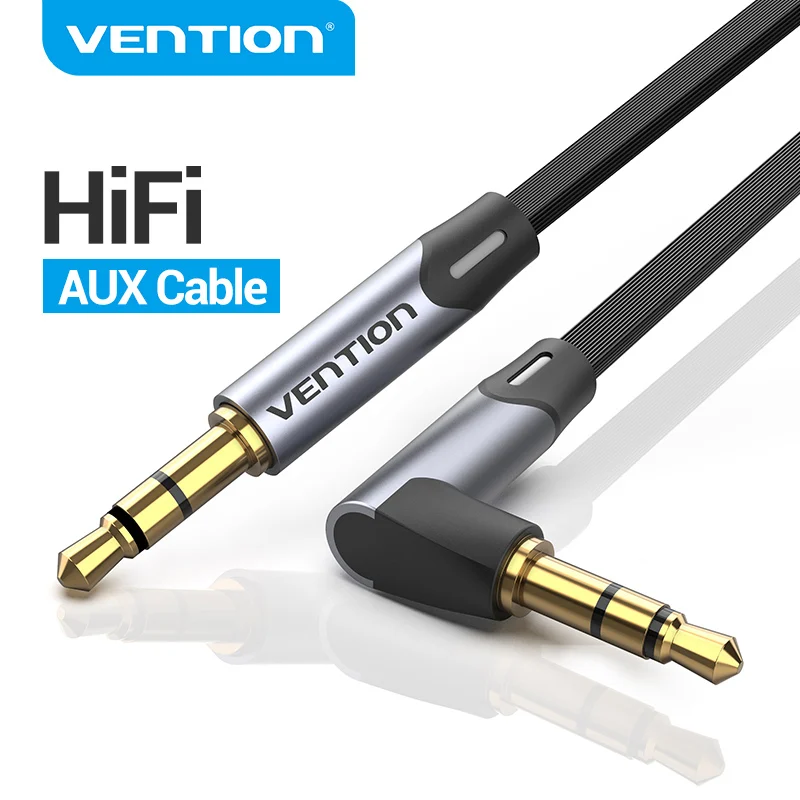
A plain 3.5 mm male-to-male cable, one plug straight and one right-angle. It runs from the radio’s headphone out into the TRS-to-TRRS adapter, or straight into a desktop’s microphone jack. The listing comes in several lengths; a short one is plenty on a desk.
One symptom is worth naming, because it looks like a broken adapter and is not. If the recording carries a steady mains hum, or the noise floor rises the moment the laptop goes on charge, that is a ground loop: the radio and the computer are tied together through both the audio cable and the mains, and current flows in the shield. A USB isolator between the computer and the audio adapter breaks that path. Buy it for that symptom, not as a default.
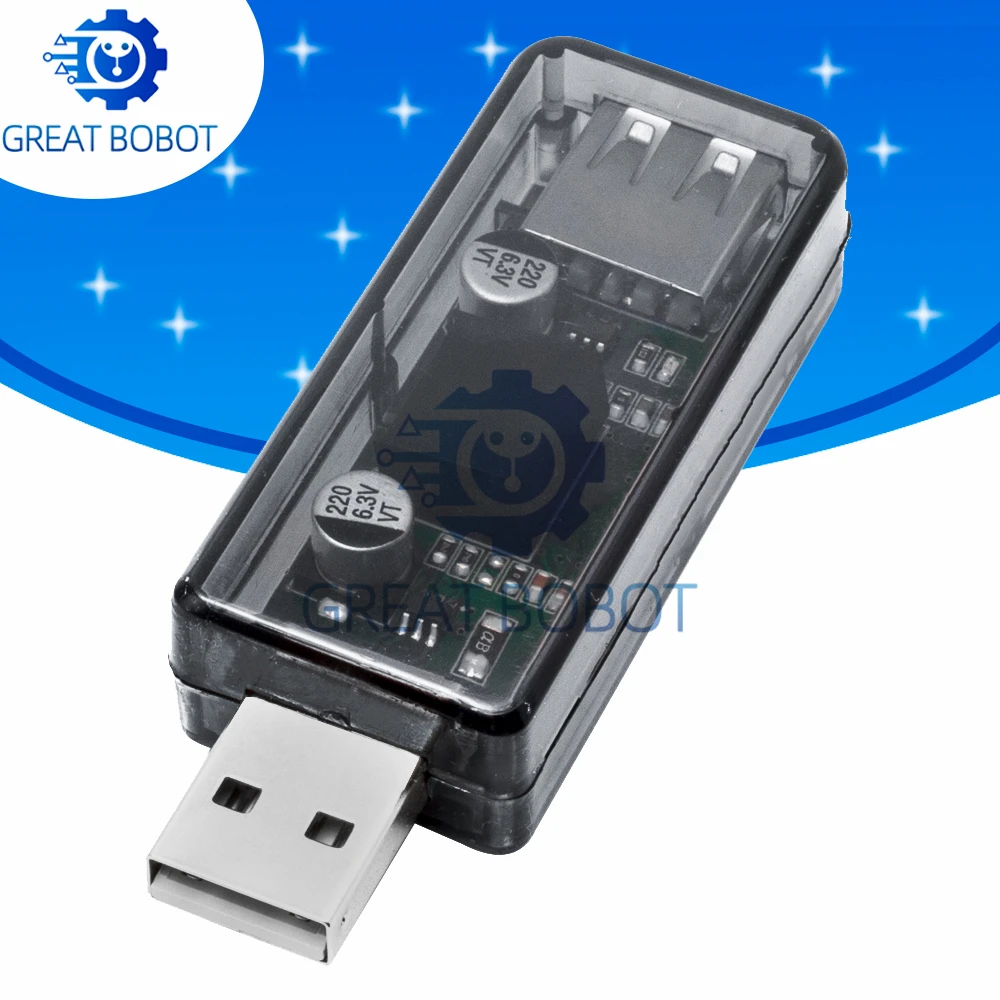
Galvanic isolation between the computer and a USB audio adapter, which kills the mains hum and charger hash a shared ground drags into a recording. Full-speed USB only (12 Mbps): fine for an audio dongle, but do not put it in the path when you flash firmware.
The TRS-to-TRRS adapter is not a way around the USB dongle. Plugged straight into a MacBook’s combo jack it does not work, so a Mac still needs a USB adapter: the sound card or the JM12 above.
Here is the part most blog posts get wrong. The ATS Mini’s antenna input is high-impedance by design, not 50 ohms, so a NanoVNA, which is a 50-ohm instrument, cannot meaningfully measure the radio itself or a short whip. What it is good for is the antennas you build: tuning a loop or a dipole to resonance, and checking whether a mystery adapter or a length of coax is lossy. If you like making antennas it is a great tool. If you just want to listen, it is happily skippable.

NanoVNA vector network analyzer — for building and tuning resonant antennas (a loop, a dipole) and checking coax and adapters. A 50-ohm tool, so it cannot measure the radio’s own high-impedance input. An enthusiast tool, not a must-have.
Two small things finish the kit. A hard case keeps the radio and a spare whip from rattling around a bag, which is mostly how whips get bent. A sheet of protector film cut down to the 1.9-inch panel costs about as much as a coffee — nobody sells one pre-trimmed for this screen, so buy a sheet and cut it. If you run an active antenna, it needs a bias-tee to power it, which lives with the antennas.

A zipped shockproof shell sized for the radio, a spare whip and a cable. Nothing clever about it; it just stops a whip snapping in a bag.
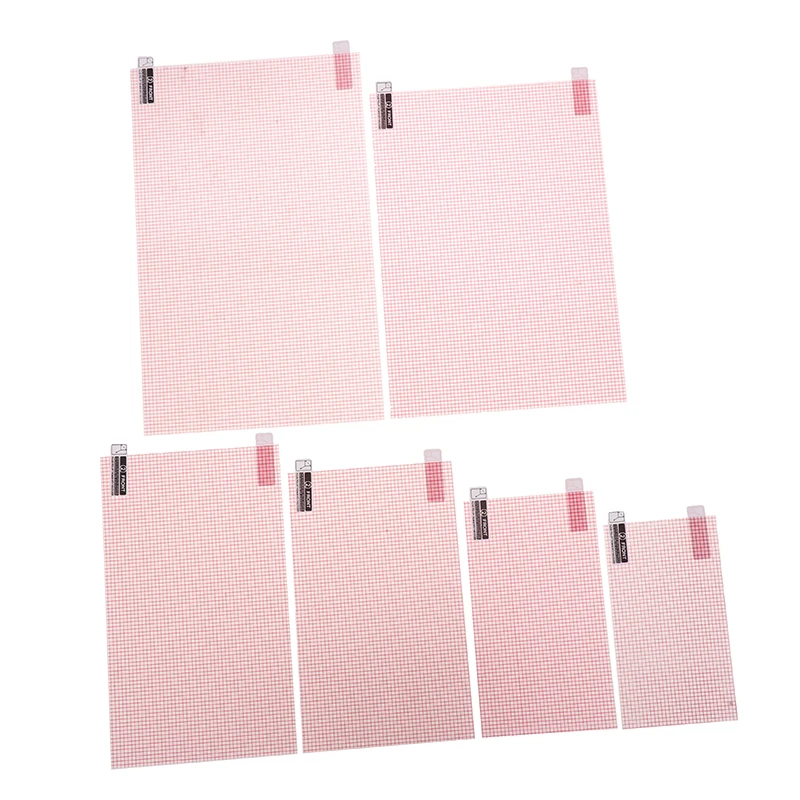
Cut-to-size protector film. Nothing is sold pre-trimmed for the 1.9-inch panel, so buy a sheet and cut your own: mark the display area, cut a hair inside the line, and clean the screen before it goes on.